java-diag-probe
On the app host: process discovery, allow-listed logs,
jcmd, and related local tools.

Java Diag
Read-only diagnostics on the app host via probe; optional gateway for cluster routing. Works with any MCP-compatible AI agent. MIT licensed — download a Release and go.
Java Diag is an open-source MCP server for read-only Java production diagnostics (probe +
optional gateway). Open-source package/repo remains java-diag.
When production Java stalls, stop SSHing in to run
jcmd by hand. Give your agent read-only access to thread dumps,
GC, and allow-listed logs in one conversation.
Diagnostics run on the probe host. The gateway only handles registry discovery and MCP proxying — it does not run jcmd or read app logs itself.
On the app host: process discovery, allow-listed logs,
jcmd, and related local tools.
Optional cluster entry: heartbeat registry and tool routing by
target.
Agent → http://host:8765/mcp → Probe
Agent → Gateway :8787/mcp → selected Probe
Exposed as MCP tools (full list in the repository README).
diag.ping — healthdiag.list_processes — processesdiag.resolve_java_pid — resolve PIDdiag.log_paths — allow-listdiag.tail_log — taildiag.grep_log — searchdiag.cluster_errors — error rollupdiag.thread_dump — threadsdiag.jstat / diag.gc_histo — GCdiag.heap_dump — heapdiag.cpu_sample — CPU sampleStart with the probe only. Requires JDK 17+. Cluster mode and full detail live in the GitHub README.
deploy/).
java-diag-probe.properties and set
auth.token (required).
cd java-diag-probe && ./start.sh start
http://127.0.0.1:8765/mcp, Bearer = that token; verify with
diag.ping.
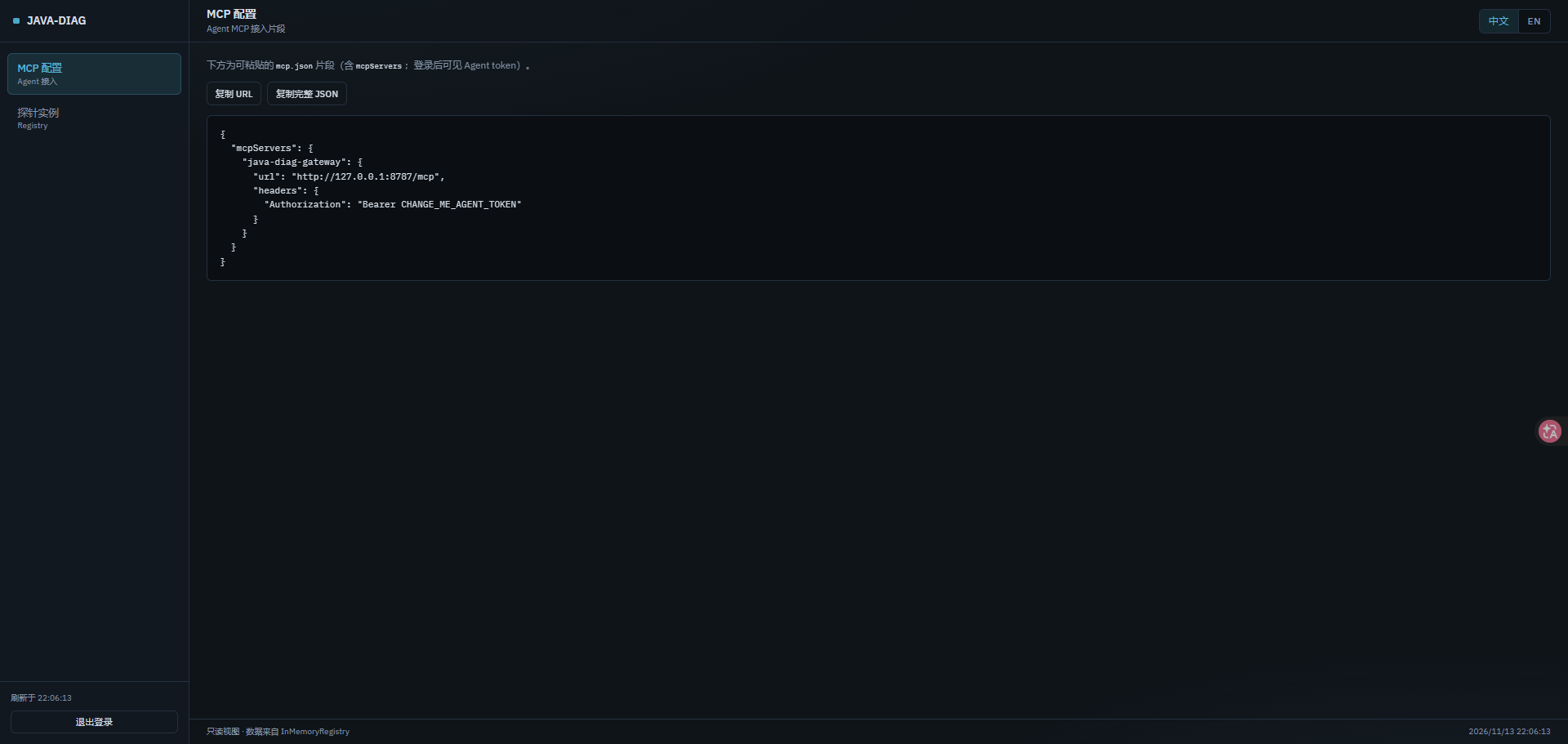
{
  "mcpServers": {
    "java-diag": {
      "url": "http://127.0.0.1:8765/mcp",
      "headers": { "Authorization": "Bearer YOUR_AUTH_TOKEN" }
    }
  }
}
Multi-host: start Gateway (8787) then probes; agents talk only to Gateway
/mcp. See README section B.
auth.token fails startup;
probe register.token required only when
register.url is set
/mcp, /sse, and
/registry/* off the open internet
An open-source MCP server for read-only Java production diagnostics:
java-diag-probe on the host, optional
java-diag-gateway for clusters. Open-source package/repo
remains java-diag.
Same local tools underneath; MCP lets any compatible AI agent invoke them without repeated SSH.
Standalone: probe :8765/mcp. Cluster: gateway
:8787/mcp with registered probes.
Download the Release zip → set tokens → start scripts → configure MCP. JDK 17+.
Designed for read-only, auditable use with required tokens. Do not expose ports publicly.